What the client does, start to finish
This is the customer's half — told in the order a member actually lives it, from the moment the class ends to the moment the card is on their story. It runs forward only: every screen below comes after the one above it, and nothing goes back.
The class ends — the workout is still on the screen, and so is the code
The member has just finished. The board they trained off is still up on the gym screen: every station, the work and rest times, the finisher, and the coach's name and handle across the top. In the bottom-right corner there is a code, and it has been sitting there the whole class.
You say one line: "Scan the code." That is the only thing a coach has to do.
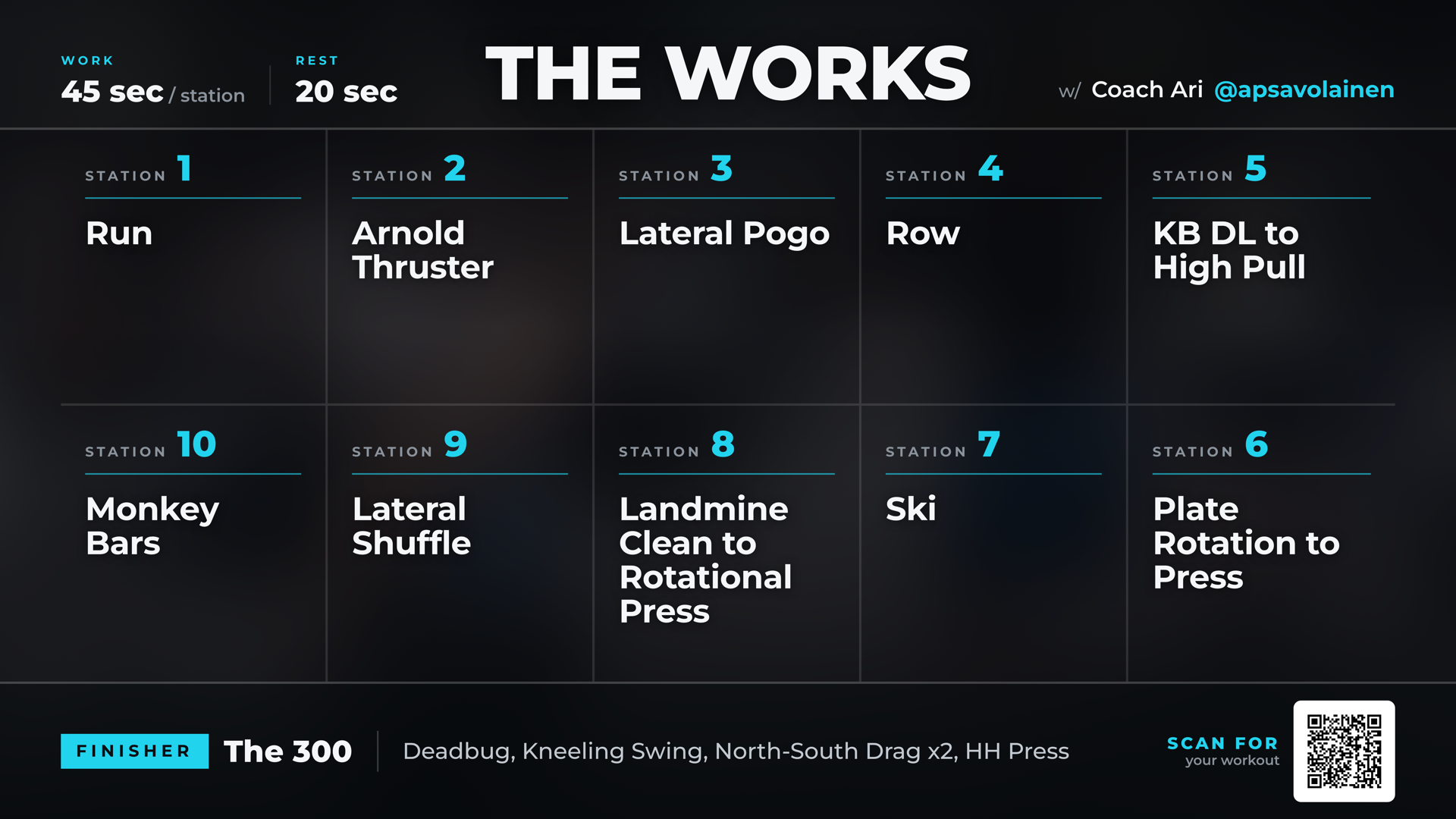
They point their phone camera at it
Nothing is handed out, nothing is typed, nothing is downloaded. They open the camera they already have, point it at the corner of the screen, and tap the link that pops up.
Each class has its own code, so whatever they scan is that day's workout — never yesterday's.
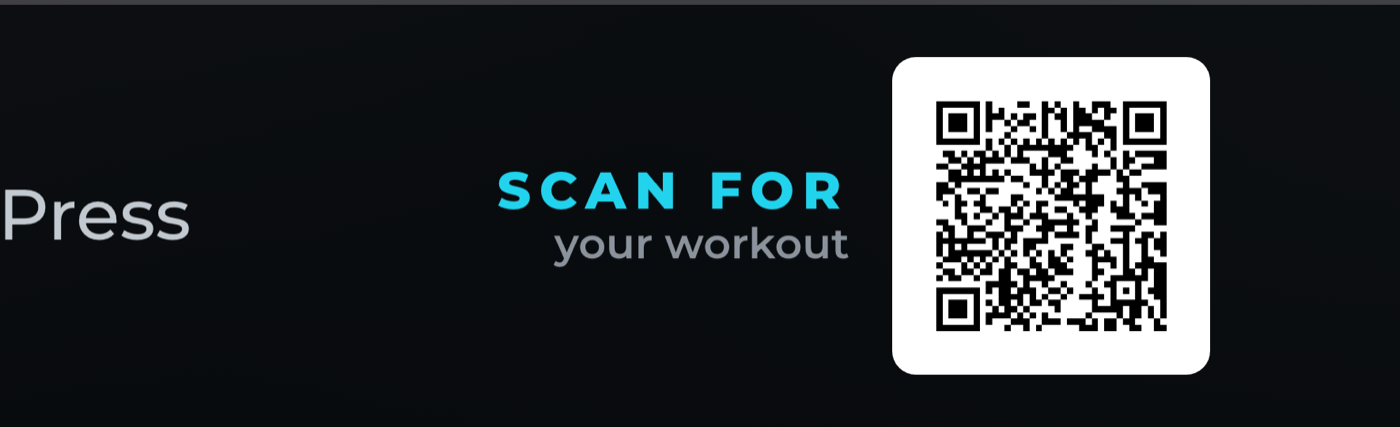
The phone camera is the whole tool. No app store, no password, no sign-up.
The page opens, they tap their name — and their cards are already there
A page opens with the gym's name on it and one question: who are you? They type the first few letters of their first name, their own name comes back, and they tap it. That is the whole sign-in.
No list of names is ever shown, and only people booked into that class can be found. The phone remembers them afterwards, so every class after this one is a scan and nothing else.
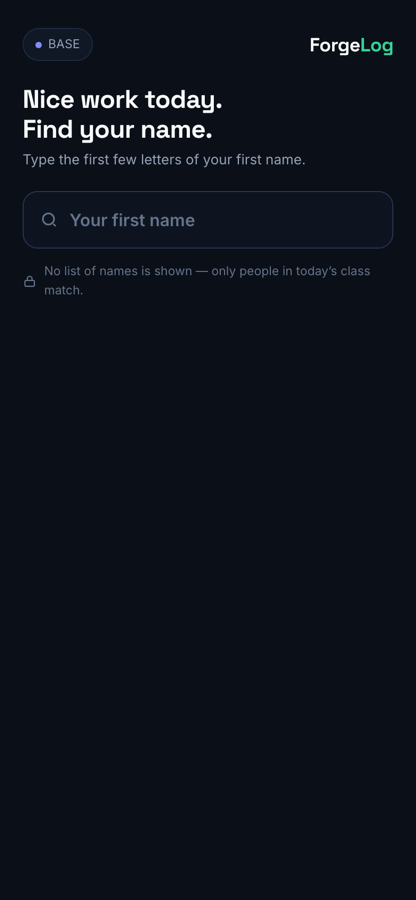
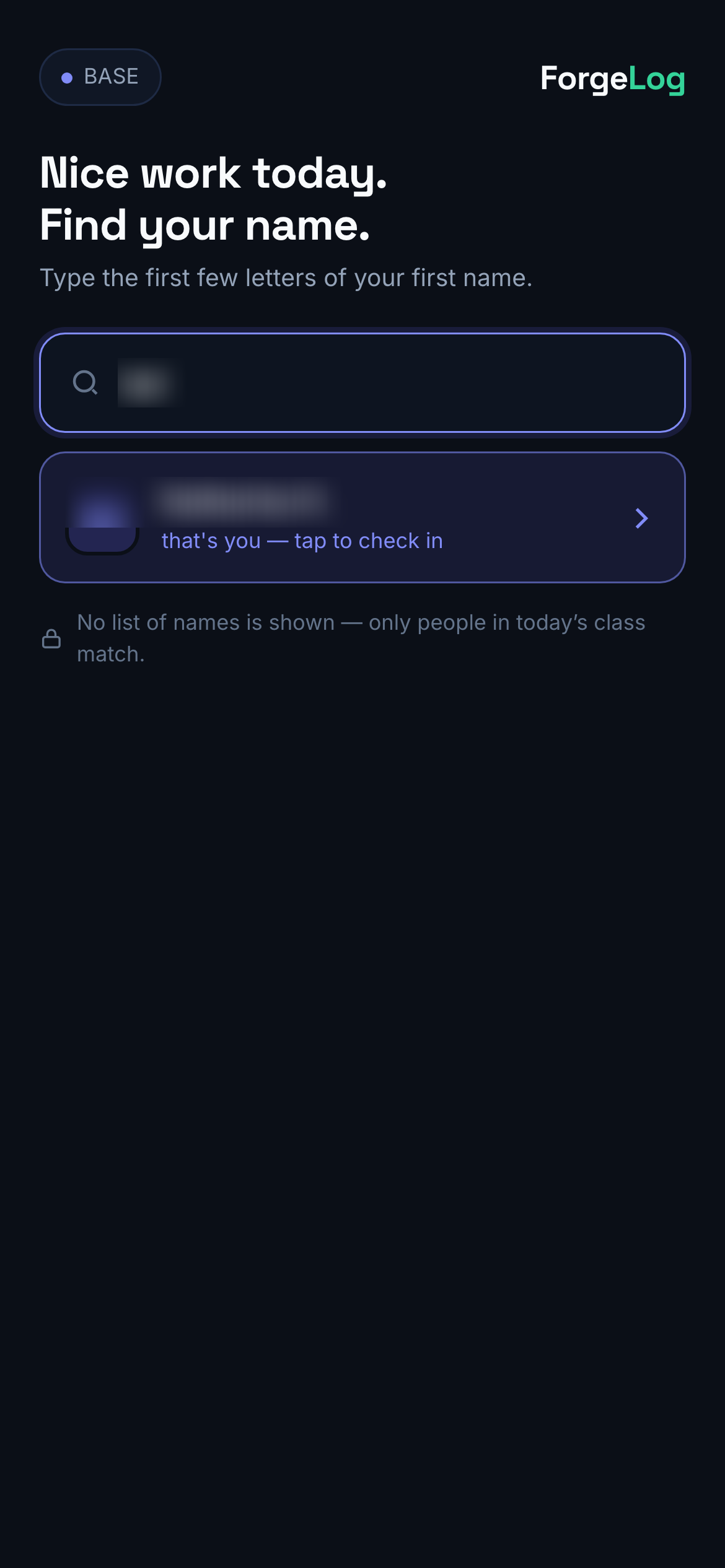
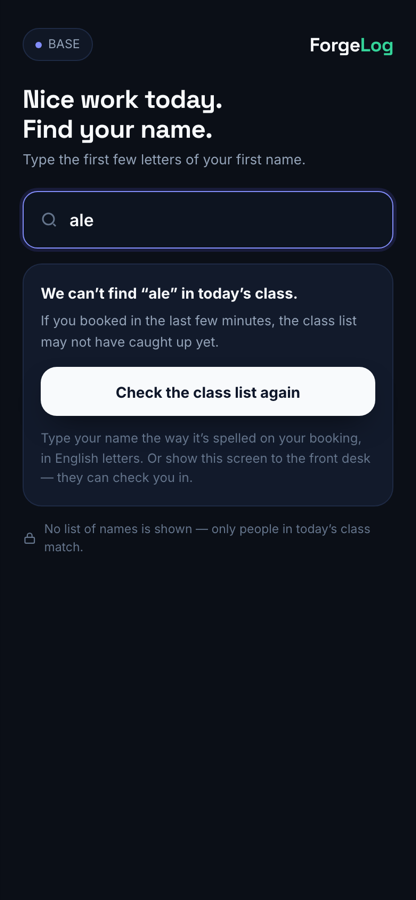
Worth saying out loud: this is why a member's streak, their attendance and their training history exist at all. One tap, once, and the gym knows them from then on.
That tap does not take them anywhere else — the cards come up on the same run of the same page. They are not given one card either: they are offered a choice, and only the ones they have actually earned. The rarest one is shown first, and the strip along the bottom lets them tap straight to any of the others.
There are three: their streak, who they trained with, and the class itself. A member with no streak and nobody to pair with simply gets the class card, and the picker is not there — nothing is ever shown that they did not earn.
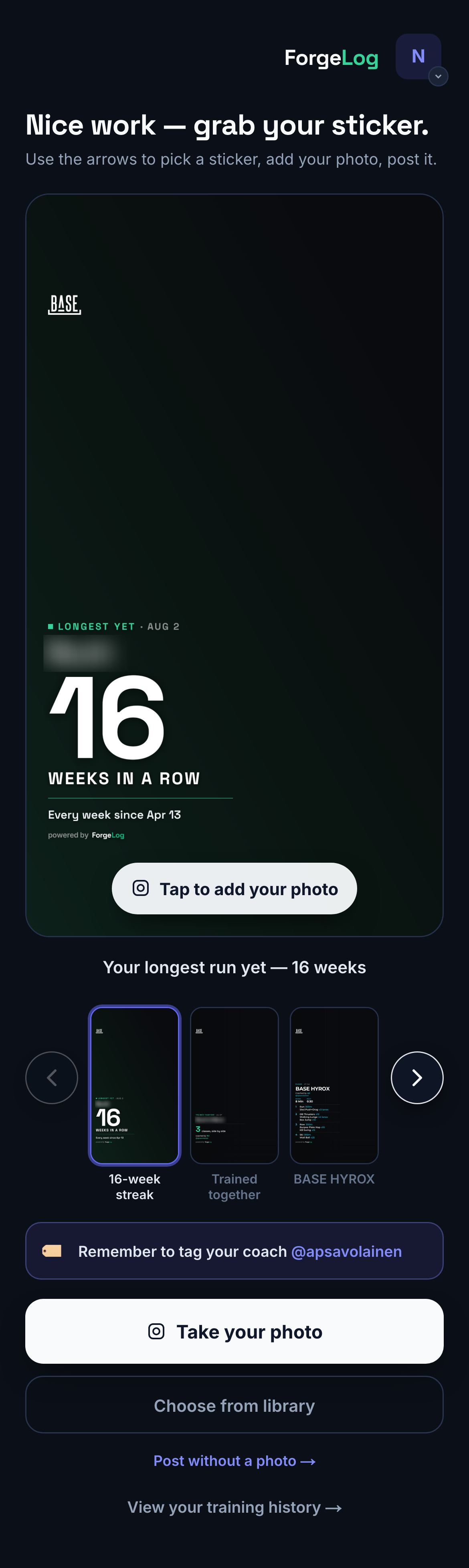
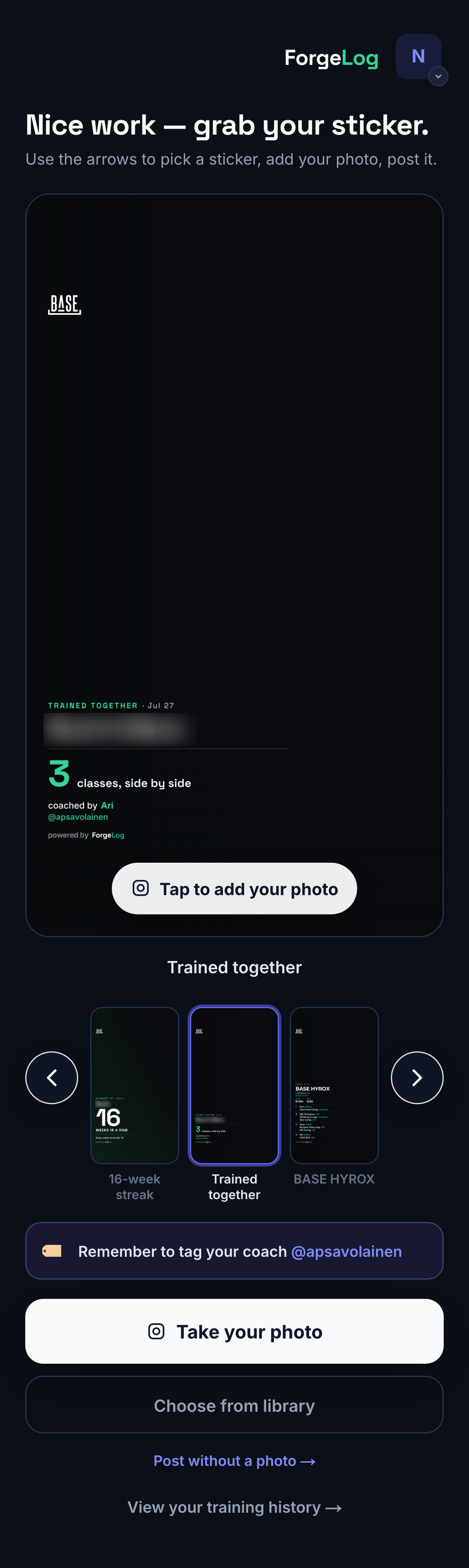
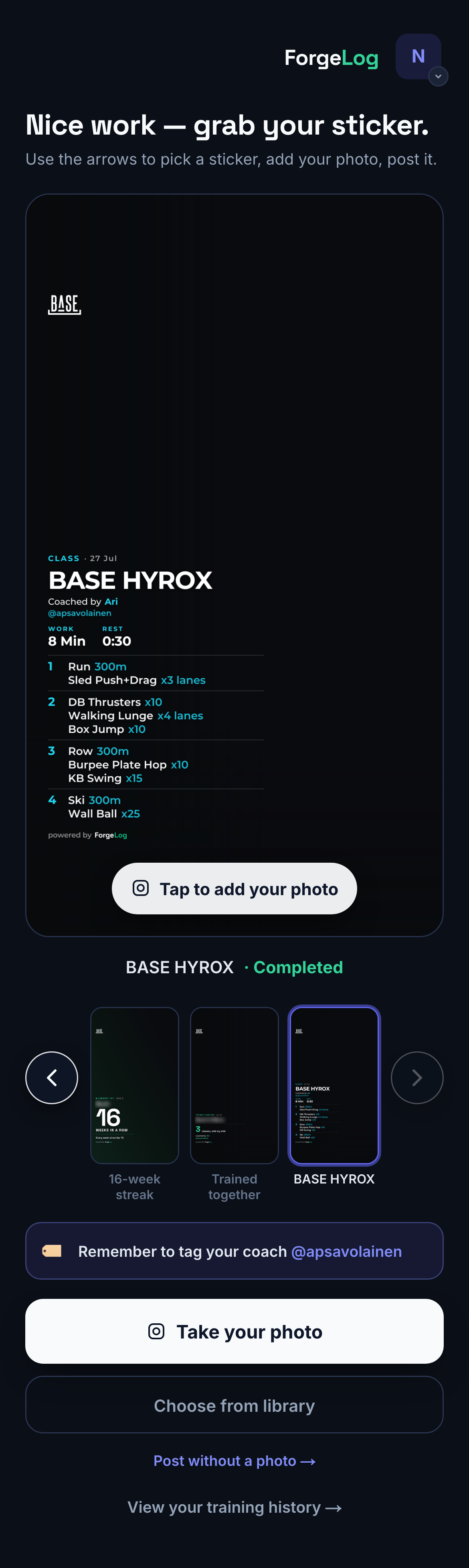
The picker is what makes this worth two minutes of a coach's breath at the end of class. "Grab your sticker" is a better line than "scan the code", because there is something to choose.
They put their own photo behind it — then post
Tapping the card opens the camera, and their photo goes behind the card. They can pinch and drag it until it looks right. If they would rather not, "Post without a photo" is there and always has been — the plain card is a real answer, not a failure.
Above the buttons, one line: "Remember to tag your coach @apsavolainen." That is the line that turns a member's post into a lead for the coach who ran the class.
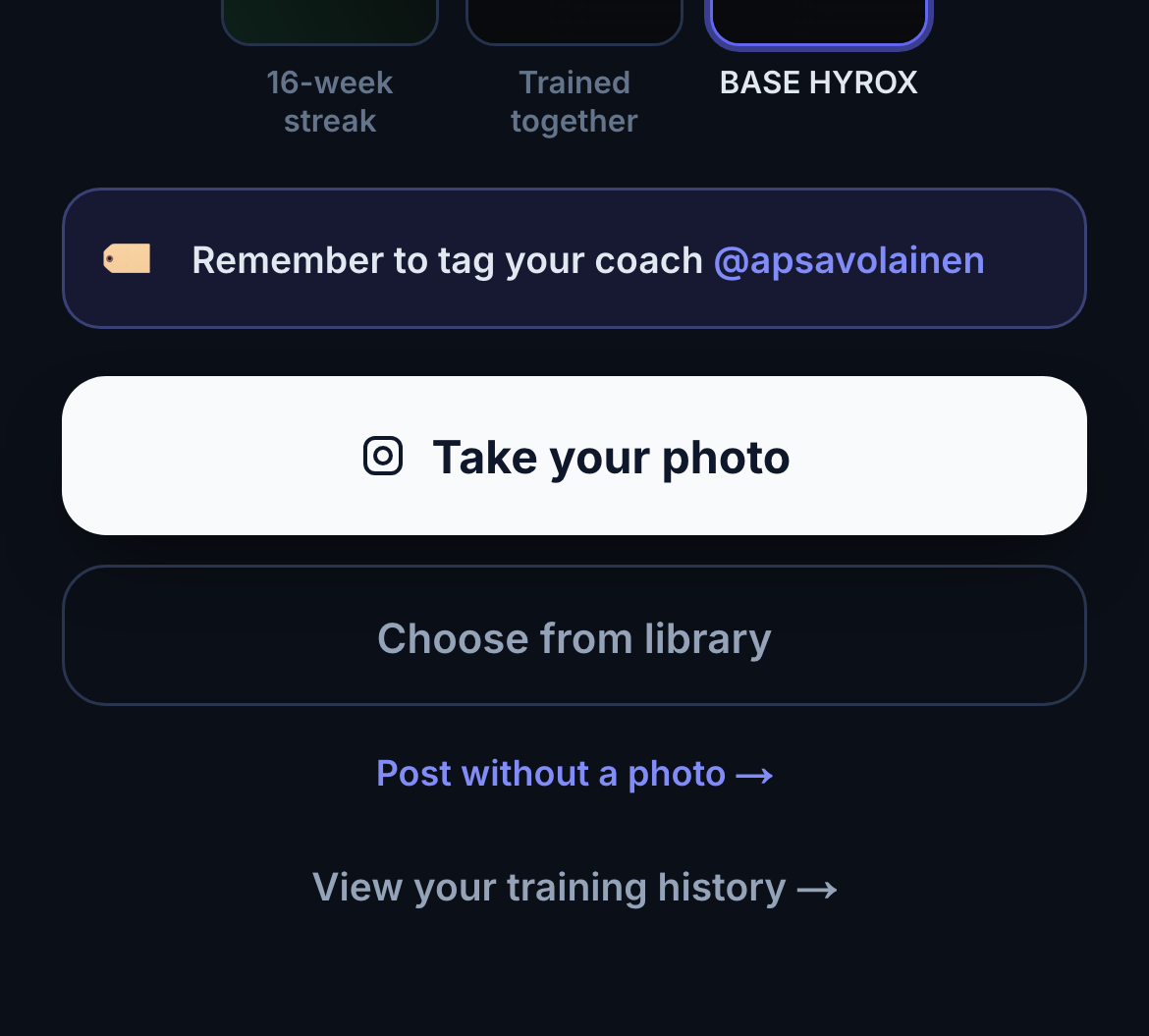
The coach handle is the coach's own, not the gym's. Whoever ran the class is the one who gets tagged.
It lands on their story — this is what it looks like
These are not drawings. Every card below was made by a real BASE client at the end of a real class, posted to their own story, and reshared on Ari's account. Their friends see the gym's mark, the workout they just did, and the coach's handle — tappable.
That is the point of the whole flow. One class, run exactly as normal, and the gym ends the hour with its name on however many stories that class produced.
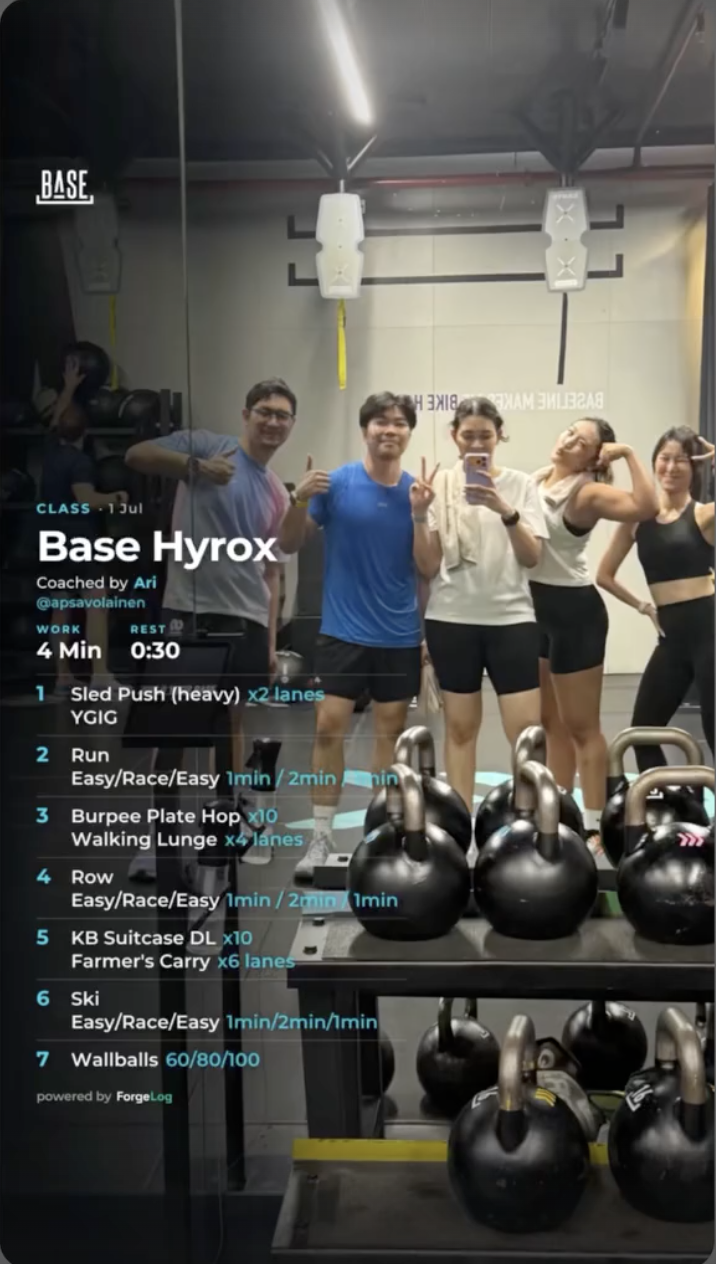
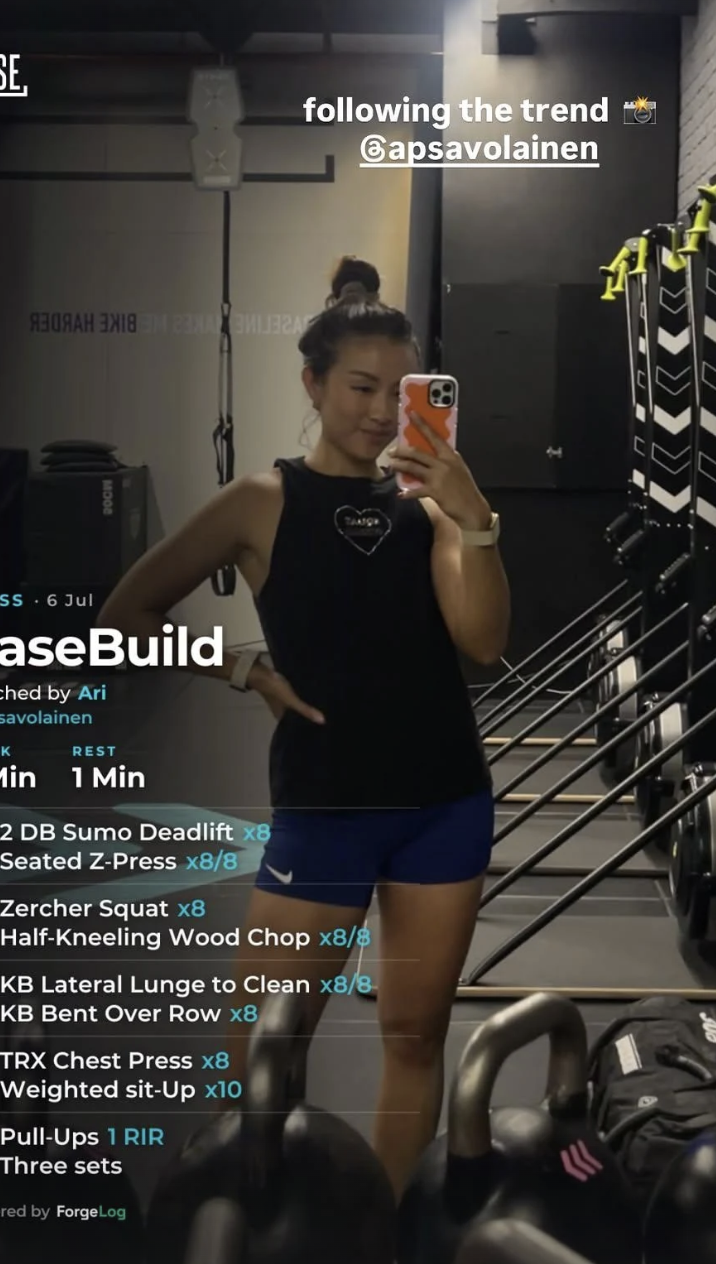
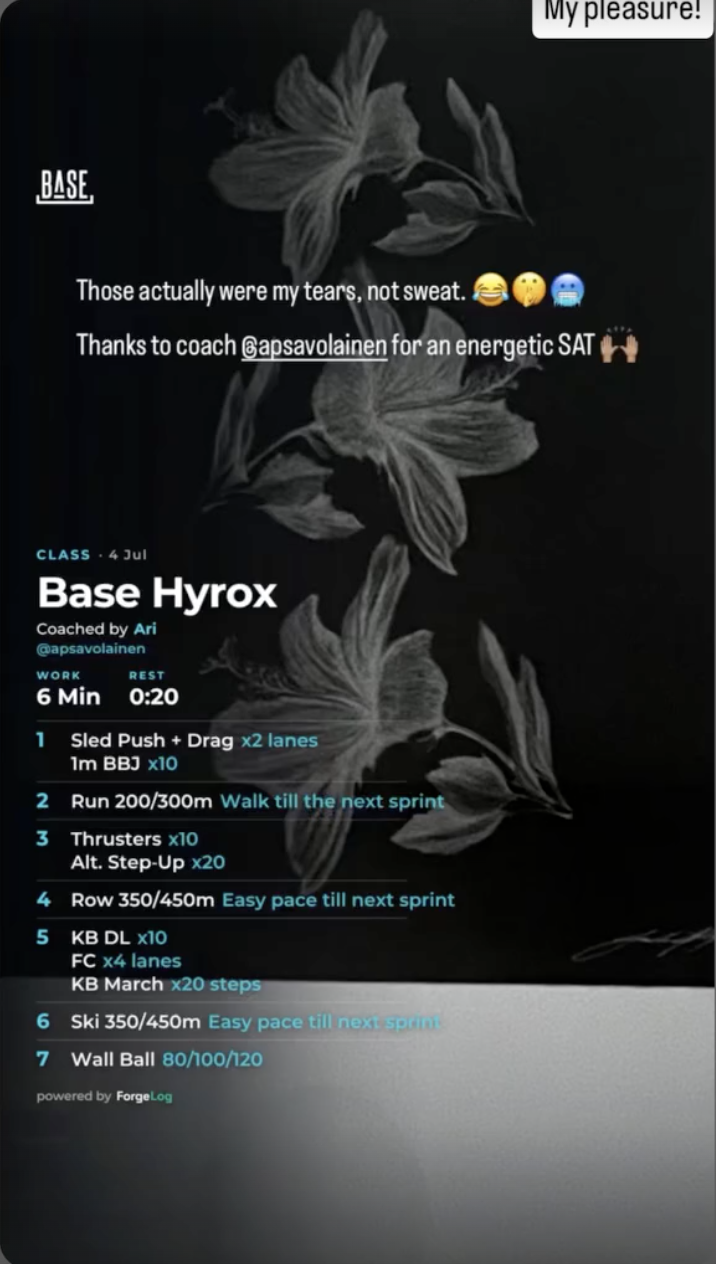
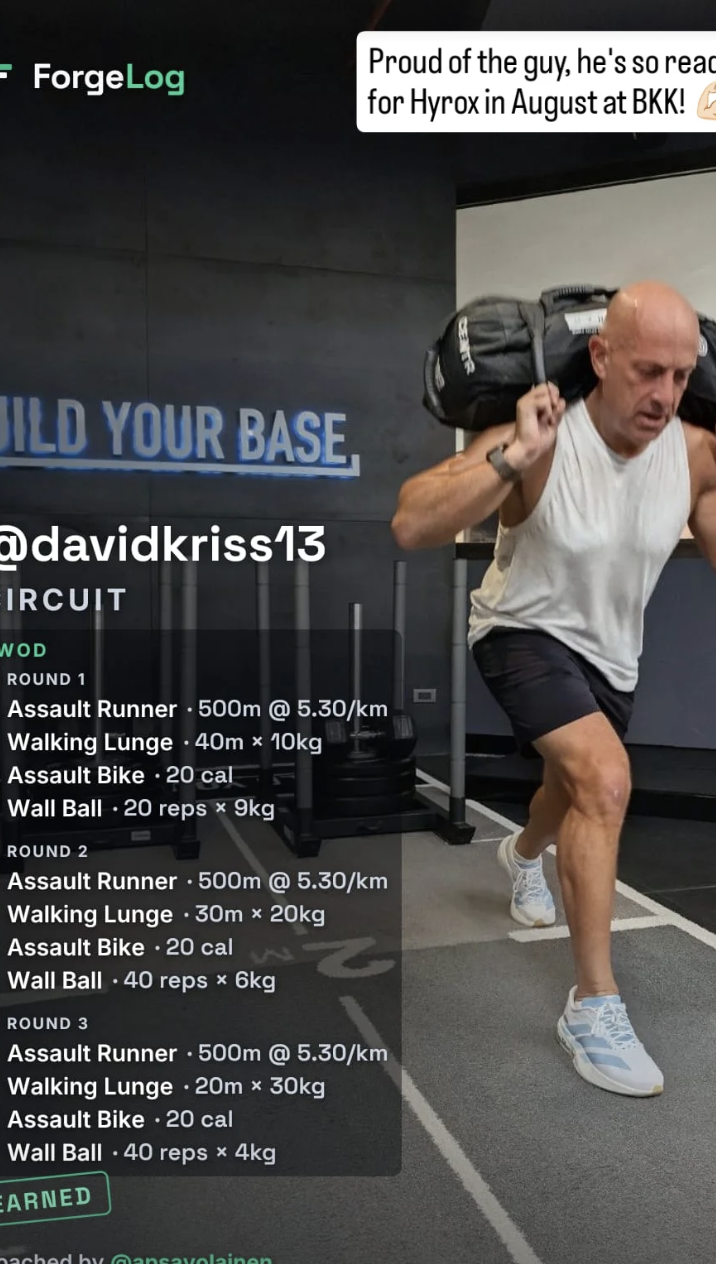
Five steps. The only one a coach performs is step 1 — put the board on the screen and run the class. Everything from step 2 onwards is the member.
Two things worth saying out loud in the meeting
- Nothing extra is asked of the coach. The code is already on the board you were going to put up anyway.
- The card names the coach who ran that class, not the gym only. The coaches whose classes get posted and reshared build their own following out of it.
Where each picture came from, and what was left out
- Screens 1.1, 2.1, 3.1, 3.2 and 3.3 are photographs of the live product at getforgelog.com, taken against real BASE classes.
- Screens 3.4–3.6 and 4.1 are the real picker screen, built from the shipped code, holding the real produced cards. They are shown outside a member's account for one reason: tapping through onto a real member's name would claim that person's identity inside the live system. Nothing about the screen was redrawn.
- Cards 5.1–5.4 are real posts, downloaded from the coach's own public Instagram highlights. 5.2 and 5.4 are clipped at the left edge — that is how they sit in the highlight reel, not a fault in the card.
- The one screen deliberately not shown: a class with no booking list behind it skips the name half of step 3 — screens 3.1 to 3.3 — and opens straight onto the cards. It is the same product with one screen fewer, so it is described rather than pictured — putting it in the sequence would send the story backwards.
About the people in the pictures
- No member's name, initials or handle from the gym's records appears anywhere on this page. Every one was blurred before publishing — the typed letters and the result row in 3.2, and the first names printed on the cards in 3.4 and 3.5.
- The only names left readable are the coach's — Ari and @apsavolainen — which belong there, and the client handle already burned into the published Instagram card in 5.4.
- The faces in 5.1–5.4 are exactly as the coach already published them on his own public account. Nothing was added to those images and no name was put beside them.
- The gym photograph behind the board in 1.1 and 2.1 is softened here because real members are in shot. On the gym screen it is sharp and unchanged.